 Notelle
Encrypted on your device
Notes are encrypted with AES-256-GCM before they are saved. Without your passphrase nobody can read them — not even the developer.

Notelle is a Markdown notepad that encrypts your notes on your device with a passphrase only you know, and syncs them through your own Google Drive — still encrypted. We are getting it ready for release.
Features
Everything you expect from a modern notepad, with encryption built in from the start.
Notes are encrypted with AES-256-GCM before they are saved. Without your passphrase nobody can read them — not even the developer.
Unlock with a passkey in your browser, or with your fingerprint or face on your phone (on supported devices) — no need to type your passphrase every time.
Headings, checklists, tables, code with syntax highlighting, math, diagrams, footnotes and collapsible blocks. A formatting toolbar inserts the syntax for you.
Libraries and notebooks, pins and stars, #tags, links between notes with [[Note title]], and instant search.
Keep your notes in step across devices with Google Drive. Notelle only uses its own hidden app folder there, and only encrypted data goes in it.
Deleted notes wait 30 days in the trash, version history takes you back, and you can export every note as a plain JSON file at any time.
Light and dark themes named after Nordic nature and everyday life. Available in 12 languages.
Notelle shows no ads and collects no usage analytics.
Screens
Switch between a clean reading view and a Markdown editor with live preview.
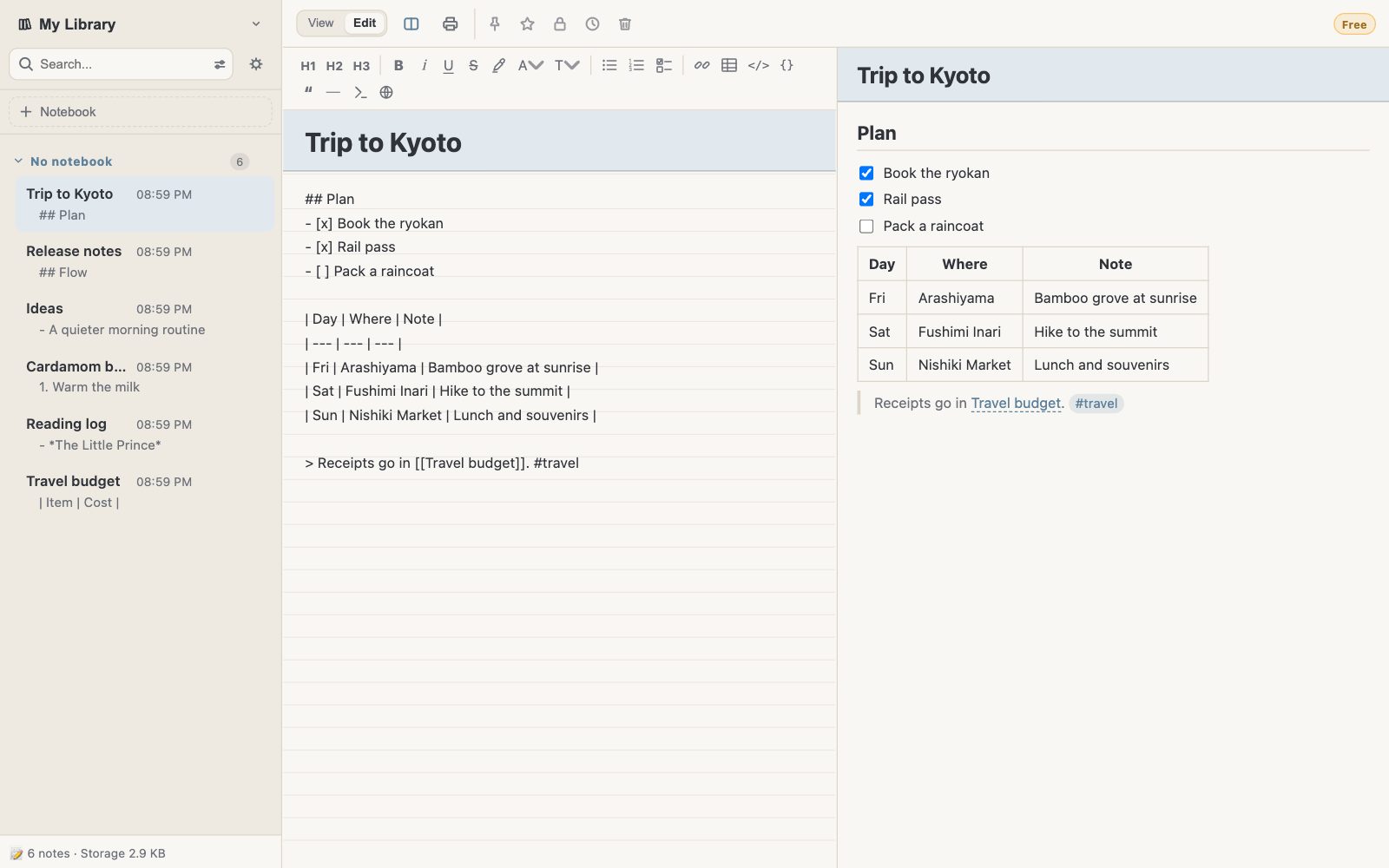
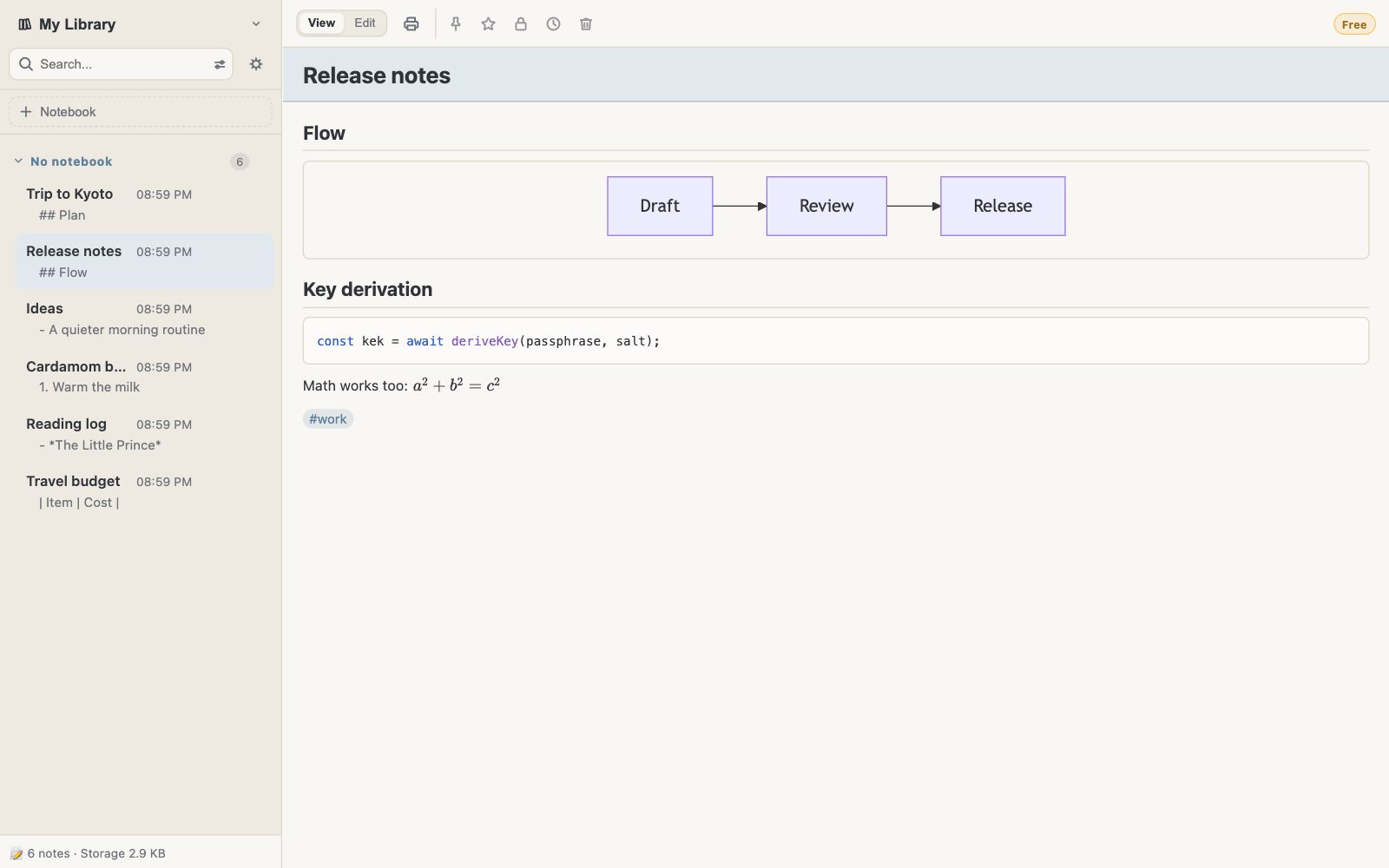
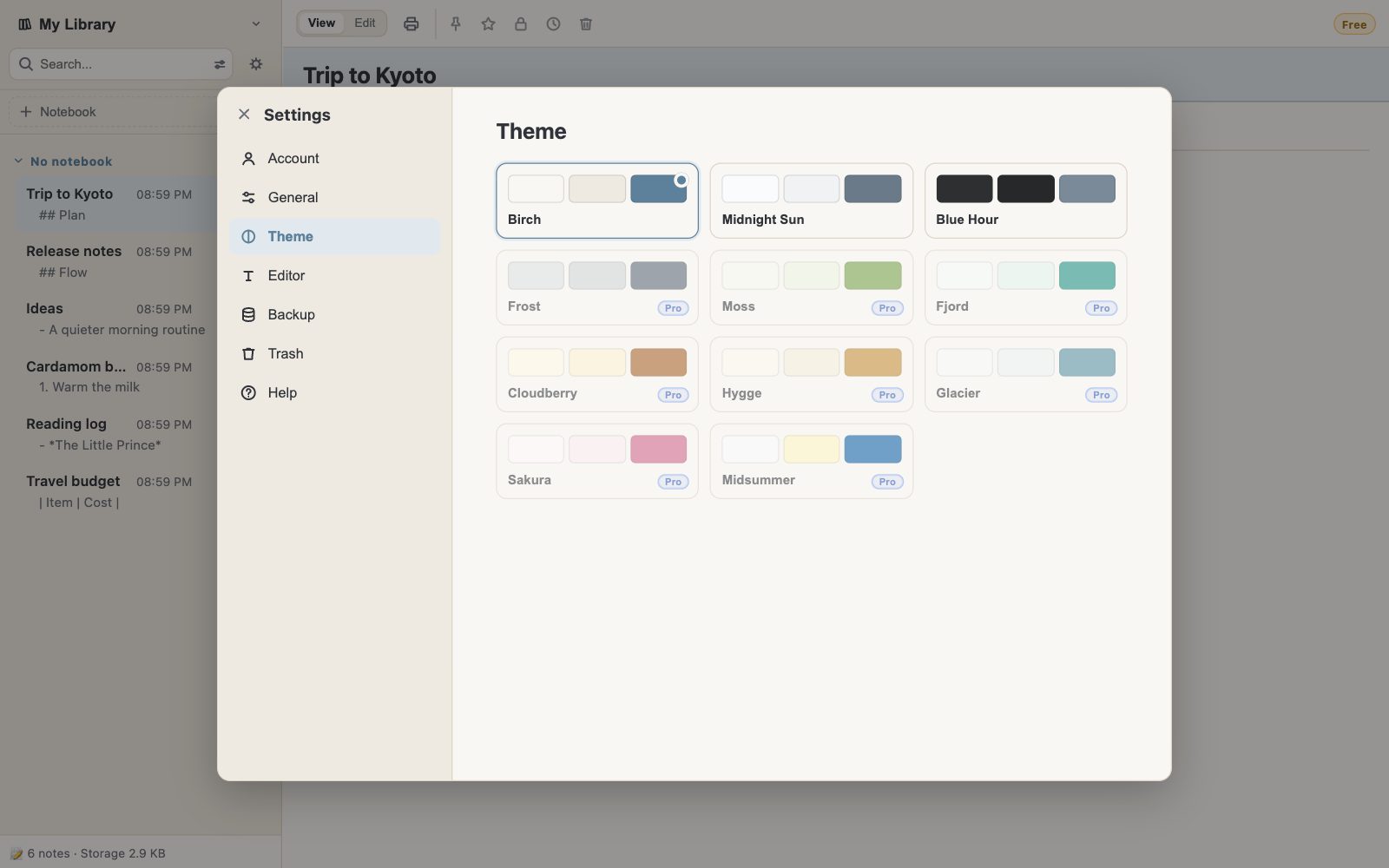
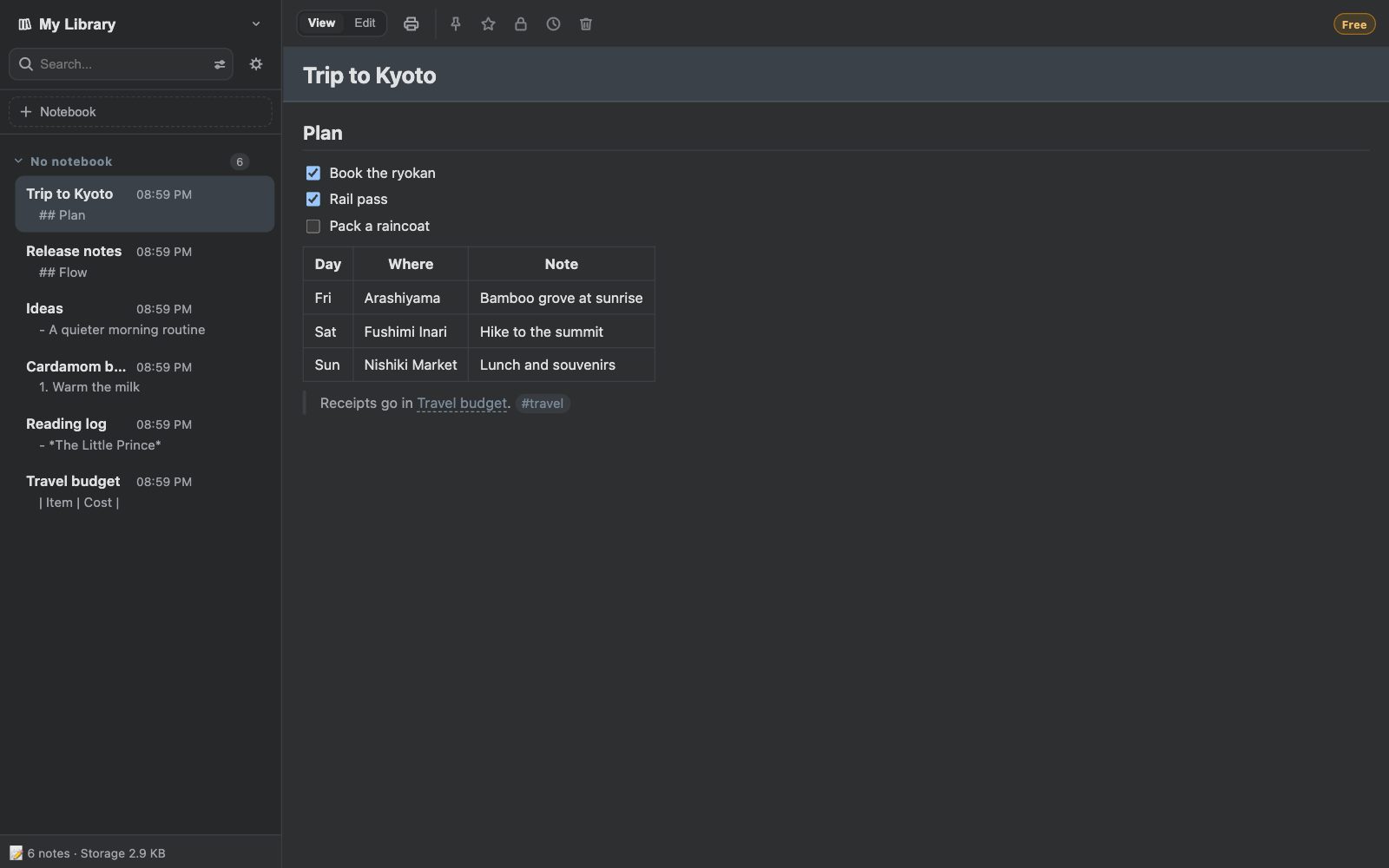
Screens from the Chrome extension.
Privacy
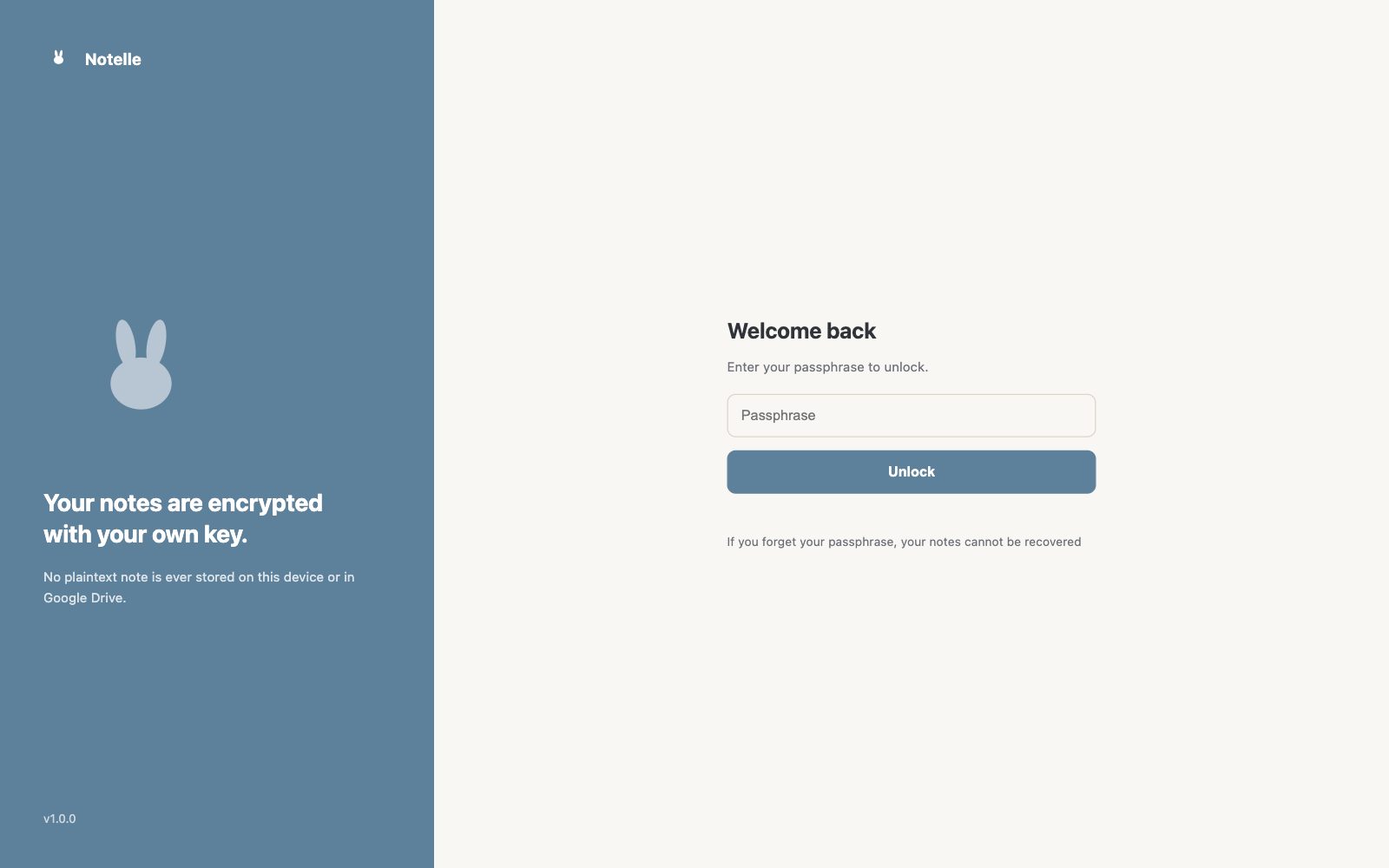
If you forget your passphrase, your notes cannot be recovered. Keep it somewhere safe.
Plans
Planned pricing. Prices may change at launch.
$0
$9.99 / year
or $20 one-time
Payments are handled by Polar. Plans for the mobile apps will be announced at launch.
FAQ
We are preparing the releases on the Chrome Web Store, Microsoft Edge Add-ons, Google Play and the App Store. This page will be updated at launch.
No. Notes are encrypted on your device with a key protected by your passphrase. The developer never receives your passphrase or your notes.
Your notes cannot be recovered — there is no reset. While Notelle is unlocked, you can export your notes as a JSON file and keep it in a safe place.
On your device, encrypted. When sync is on, an encrypted copy is kept in Notelle's app folder in your own Google Drive.
Only for sync through Google Drive. Without it, Notelle works entirely on your device.